How to Track QR Code Scans (Step-by-Step Guide)
QR-Genie Team
6 min read
Yes, you can track QR code scans, but only if the code is dynamic. A dynamic QR code sends each scan through a short link that counts it before opening your page. A static QR code goes straight to its destination, so nothing is recorded.
This guide explains how tracking works, which data you can expect and how to set up a trackable QR code in nine steps. It also covers the limits of scan data, because no platform can tell you who scanned a code or what they did afterwards.
Can QR Code Scans Be Tracked?
Yes. QR code scans can be tracked when the code is dynamic. A dynamic QR code contains a short redirect link instead of your final web address. When someone scans it, the link’s server records the scan and then forwards the visitor to your page. Static QR codes contain the address itself, so they cannot report scans.
Three terms are worth separating:
- Static QR code: stores its content, such as a web address or Wi-Fi details, inside the pattern. The scan goes straight to the destination, so nothing in between can count it.
- Dynamic QR code: stores a short link. The phone opens that link first, the generator’s server logs the scan, and a redirect sends the visitor to the real page. You can change the destination later.
- Trackable QR code: a dynamic code on a platform that shows scan analytics. Not every platform offers the same reports, so check before you commit.
What Information Can You Track From QR Code Scans?
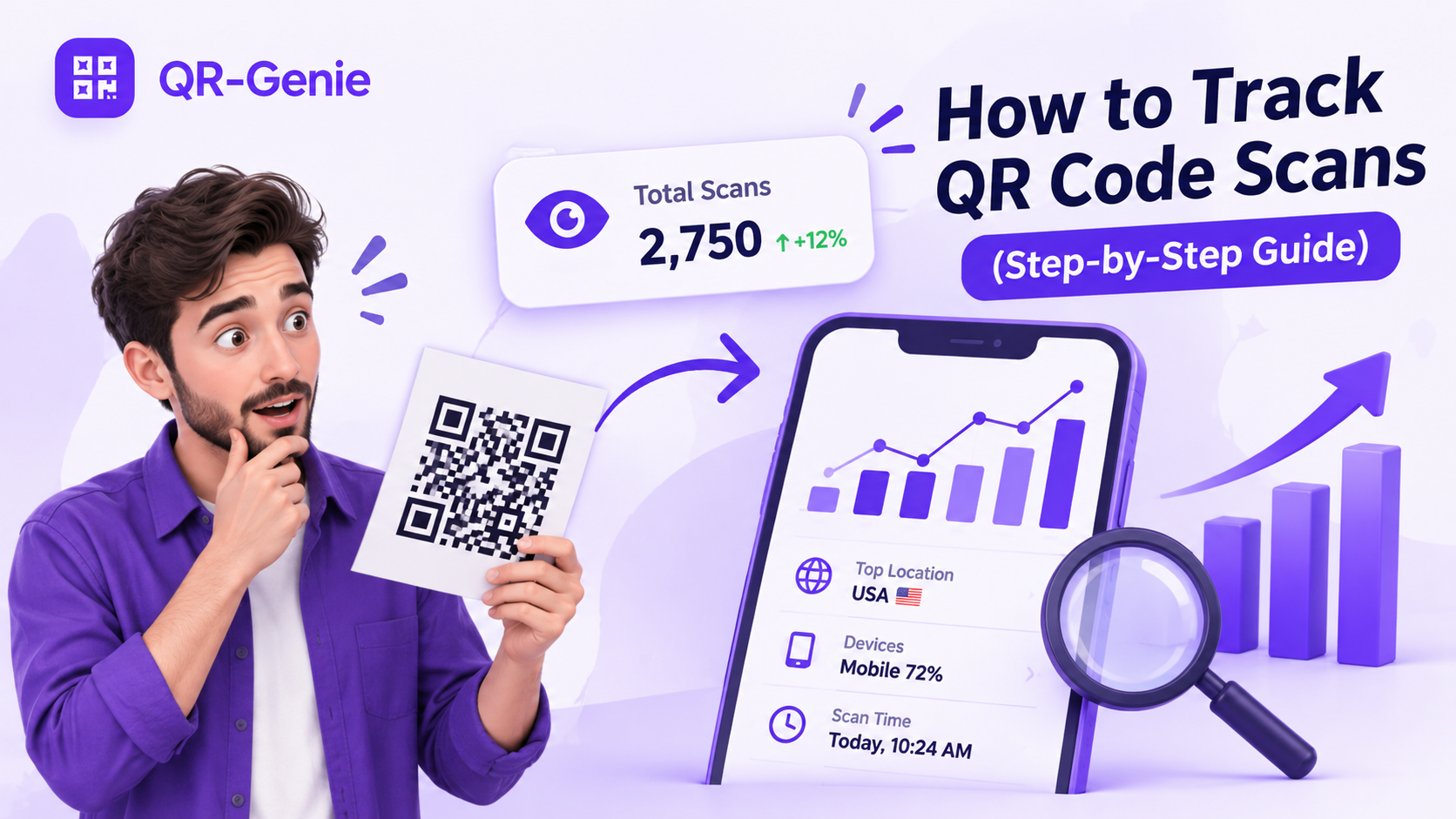
The available metrics depend on the platform. Most dynamic QR code tools report some or all of these:
- Total scans: every time the code was opened.
- Unique scans: an estimate of individual visitors, where supported.
- Date and time: useful for spotting your busiest hours.
- Approximate location: usually country and city, worked out from the visitor’s IP address.
- Device, operating system and browser: for example iPhone, iOS and Safari.
- Performance per code: compare placements, campaigns or print runs.
QR-Genie’s website QR code page lists unique scans, day and hour, country and city, device, operating system and browser, with CSV export.
Scan data has limits. Location is approximate and can be wrong on a VPN or mobile network. Unique scans are estimates. Every scan counts, including your own tests. And a scan only shows that someone opened the link, not whether they bought anything. For that you need analytics on the destination page.
How to Track QR Code Scans (Step-by-Step Guide)
These steps work on most dynamic QR platforms. The examples use QR-Genie.
- Choose a platform with scan analytics. Pick an online QR generator that offers dynamic codes, reports the metrics you need and explains what happens to your codes if you stop paying. QR-Genie has a 7-day free trial with up to two codes and no card.
- Create a dynamic QR code. In QR-Genie, choose a code type. Website codes are dynamic by default. A University of Illinois Chicago study found some generators create dynamic codes without telling users, so confirm what you are getting.
- Enter the destination URL. Paste the page address and name the code after where it will appear, such as “spring-flyer-window”. If you use Google Analytics, add UTM parameters to the URL here.
- Customize it if needed. Set colors, a logo and a frame with a short call to action.
- Generate and download. QR-Genie offers PNG, SVG, JPEG and PDF. Use SVG or PDF for large prints.
- Test before publishing. Scan it with two or three phones, and scan the printed proof too. These test scans will appear in your numbers.
- Place it where people can scan it. Add a few words such as “Scan to see the menu”.
- Open the analytics dashboard. Check scans by day, location and device.
- Analyze and improve. Compare placements, keep what works and change the destination without reprinting if the offer changes.
Static vs Dynamic QR Codes: Which One Is Trackable?
| Feature | Static QR code | Dynamic QR code |
|---|---|---|
| Destination editing | No. A change needs a new code. | Yes. Change it without reprinting. |
| Scan tracking | No | Yes, depending on the platform |
| Analytics | None from the code itself | Scans, time, approximate location, device |
| Best for | Fixed details such as Wi-Fi logins | Campaigns, menus, packaging and anything you want to measure |
Not sure which one you have? Scan the code and read the link your phone shows before opening it. Your own address means static. A short link from the QR provider means dynamic. For more background, read what a dynamic QR code is or see the types of QR codes, some of which, like Wi-Fi, stay static.
How to Create a Trackable QR Code With a Logo
Design and tracking are separate. A logo does not make a code trackable. The dynamic redirect does. Branding simply makes the code look like part of your materials.
A custom QR code generator lets you choose colors, dot and corner styles, a frame and a logo. In QR-Genie these options are part of the custom design features. A branded QR code is easier to recognize, but it does not guarantee more scans.
Keep these points in mind when adding a QR code with a logo:
- Keep strong contrast between the code and its background.
- Keep the logo small and central.
- Test again after every design change.
Best Practices for Accurate QR Code Tracking
- Use a dynamic code. Without one, there is no scan data to read.
- Give each placement its own code. One code on three posters hides which poster works. A café could use separate codes for table menus, window stickers and receipts.
- Use consistent names. Match the code name to the campaign, for example “winter-menu-table”.
- Add UTM parameters when appropriate. A tagged link looks like
https://example.com/offer?utm_source=flyer&utm_medium=qr&utm_campaign=spring-sale. Google Analytics reads these values, and Google’s guidance notes they are case-sensitive, so spell them identically every time. Your page needs Google Analytics installed, and its visit counts may differ from scan counts. - Review results regularly. Weekly checks during a campaign are enough.
- Respect privacy. The UK regulator notes that IP addresses and cookie identifiers may be personal data. QR-Genie’s privacy policy says it stores only a hashed version of the scanner’s IP. This is not legal advice.
- Know what happens if the plan ends. QR-Genie pauses dynamic codes rather than deleting them, and they work again after you resubscribe.
Frequently Asked Questions
Can QR code scans be tracked?
Yes, if the code is dynamic and the platform provides analytics.
Can you track how many times a QR code is scanned?
Yes. Dynamic codes record total scans, and many also show unique scans. Test scans are included.
Can static QR codes be tracked?
Not by the code itself. You can only measure visits to the destination page, for example with UTM parameters.
Do dynamic QR codes show scan analytics?
Usually, but the reports vary by provider, so check the feature list first.
Can QR code scans be tracked by location?
Yes, approximately. Platforms estimate country or city from the IP address, not an exact address.
Can I track QR code scans for free?
Static codes are free to make but cannot report scans. Some platforms offer trials. QR-Genie has a 7-day free trial; see the pricing page for plans.
Can I track who scanned my QR code?
No. You see aggregated technical data, not names, phone numbers or emails.
How do I know if someone scanned my QR code?
Check the dashboard for new scans. A static code gives no such signal.
Do QR codes collect personal information?
The code itself only stores data. The service or page behind it may record technical details such as device and approximate location.
Can I track multiple QR codes separately?
Yes. Each dynamic code has its own statistics. QR-Genie lets you sort codes into folders, and paid plans allow unlimited codes.
- #custom qr code generator
- #How to Track QR Code Scans
- #trackable qr code
Make a QR code you can change after printing
Your logo and colours, scan analytics included. Free for 7 days, no card needed.
Start free trial