Can I Change a QR Code After It’s Already Printed?
QR-Genie Team
12 min read
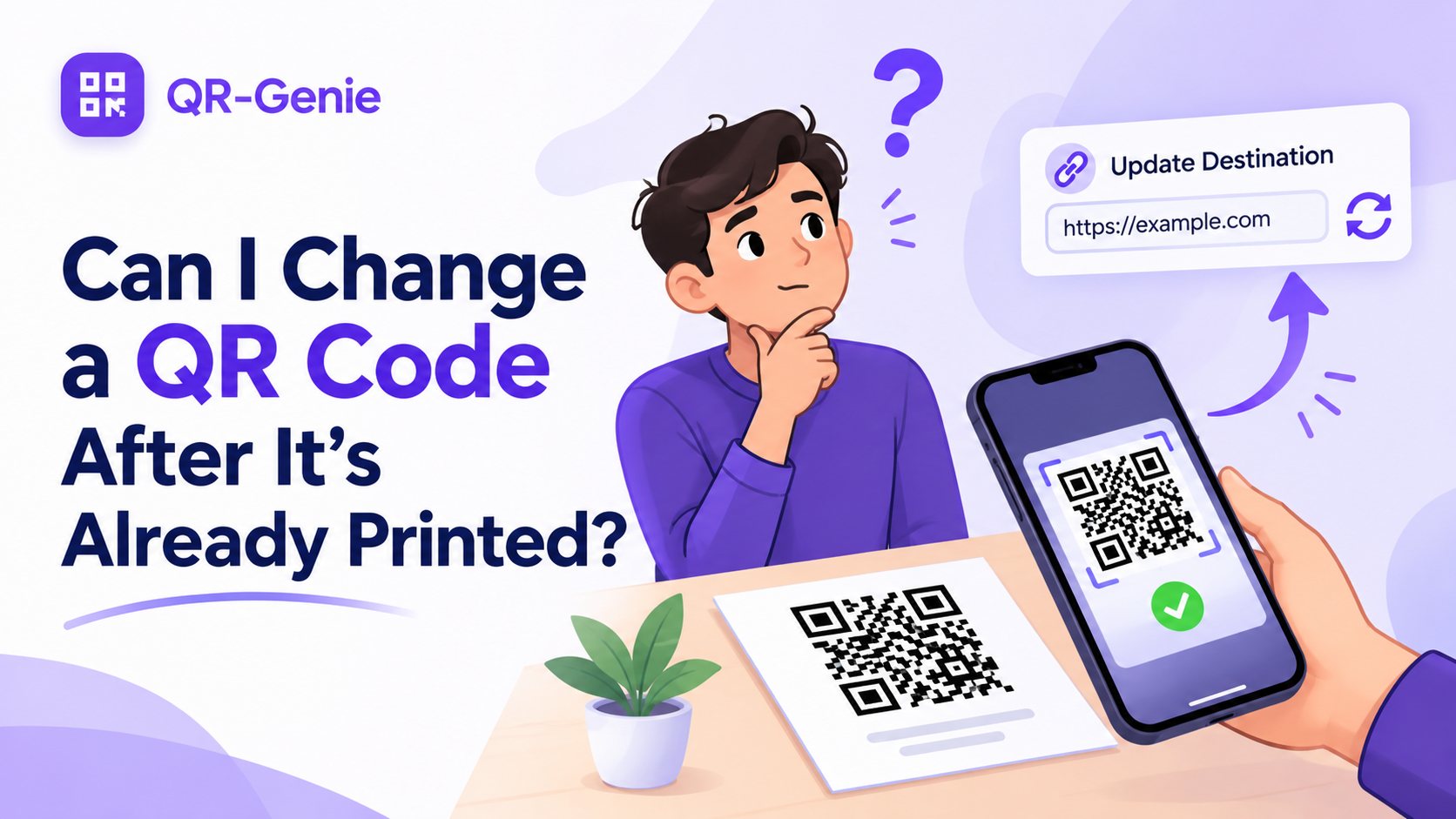
Yes, but only if the QR code is dynamic. A dynamic QR code stores a short redirect link, so you can change where it sends people without touching the printed pattern. A static QR code stores the final destination inside the pattern itself, so it cannot be edited. If you printed a static code, your options are a redirect on the address it already points to, or a replacement.
Can You Change a QR Code After Printing?
The printed pattern can never be changed. What a scan does can be changed, but only for dynamic codes.
A printed QR code is a fixed grid of black and white squares (called modules). Those squares encode data, and different data means a different grid. So “changing a printed QR code” really means one of two things:
- Changing the image. Not possible. New colors, a new logo or a different pattern requires a new file and a new print run.
- Changing the destination. Possible if the printed pattern contains a link that you or your provider can redirect. This is how dynamic QR codes work.
Which situation you are in depends on one question: was the code created as static or dynamic? The rest of this article explains how to tell, what you can do in each case, and how to avoid the problem next time.
Static vs. Dynamic QR Codes: What’s the Difference?
A static QR code encodes its content, such as a web address, Wi-Fi details or a phone number, directly in the pattern. Nothing sits between the phone and the content, so the code works without any service behind it. The trade-off is that the content is permanent and no scans can be counted.
A dynamic QR code encodes a short redirect URL that belongs to a QR code management service. When someone scans it, the phone opens the short link, the service’s server looks up the current destination and forwards the visitor there. Because the printed pattern only holds the short link, the destination can be edited later. The same redirect step lets the service count scans, which is how QR code tracking works.
| Static QR code | Dynamic QR code | |
|---|---|---|
| What the pattern contains | The final content itself | A short redirect URL |
| Change the destination after printing | No | Yes, from the provider’s dashboard |
| Printed pattern changes when you edit | Not applicable | No, it stays identical |
| Scan tracking | No | Usually, depending on the provider |
| Works without a third-party service | Yes | No, the redirect service must stay active |
| Typical use | Wi-Fi logins, phone numbers, fixed text | Menus, campaigns, packaging, signage |
Some content types are static by nature. In QR-Genie, for example, Wi-Fi, email, SMS and phone call codes are always static, because the details need to live inside the code. Website, WhatsApp, Instagram and the hosted-page types are dynamic. This overview of QR code types labels each one.
A practical example. A restaurant prints 2,000 table menus with a QR code pointing to cafe.com/menu-2026. Six months later the site is rebuilt and the menu moves to cafe.com/food.
- If the code was static, every printed menu still opens
cafe.com/menu-2026. Unless the restaurant controls that address and redirects it, guests see an error page. The fix is reprinting. - If the code was dynamic, the restaurant edits the destination in its dashboard. The 2,000 printed codes are unchanged, and the next scan opens the new page.
Can You Change a Printed Static QR Code?
No. The printed pattern holds the destination, so a different destination needs a different code. QR codes do include error correction, defined in the international standard ISO/IEC 18004, but that feature exists to recover from smudges and damage, not to let anyone edit the content. Trying to alter modules by hand is unreliable and can make the code unreadable.
Static codes also cannot be converted into dynamic ones. A dynamic code has a different payload, so it is a different pattern.
There are still ways to rescue printed material, with limits:
- Change what the printed address shows. If the static code points to a page you control, edit that page’s content, or move the content to the printed address. No QR change is needed.
- Add a redirect at the printed address. If you control the domain, set up a server-side redirect from the old URL to the new one. HTTP defines several redirect types; for an address you might change again, a temporary redirect (302 or 307) is safer than a permanent one (301 or 308), because browsers can cache permanent redirects. The MDN guide to HTTP redirections explains the differences, and they are formally defined in RFC 9110 and RFC 7538. For HTTPS addresses, the old address still needs a valid certificate or visitors will see a browser warning.
- Cover the old code with a corrected label. This works for physical items you can reach, such as table stickers or shelf labels. See the security section below on why this needs care.
- Reprint. The only option when the code points to an address you do not control, or when you cannot touch the printed items.
The limit that matters: options 1 and 2 only work if you control the address the static code points to. If it points to someone else’s page, no redirect is available to you.
Can You Change a Printed Dynamic QR Code?
Yes. You edit the destination in your QR code management account, and the printed code stays exactly as it is.
The printed pattern encodes a short link on the provider’s domain, for example qr-genie.co/r/menu. The provider’s server stores a record saying where that link currently points. Editing the destination updates the record. The next scan follows the updated record. In QR-Genie’s case, the destination change applies to the very next scan, because the redirect is checked every time the code is scanned.
Three conditions determine whether this keeps working:
- Account access. Only people who can log in to the account that created the code can edit it.
- An active service. The redirect lives on the provider’s servers. If the provider stops the service, or an account lapses, the redirect may stop. Each provider handles this differently. QR-Genie, for instance, pauses dynamic codes when a subscription ends instead of deleting them, shows scanners a “QR code paused” page, and reactivates them with the same links when a plan resumes. Other providers may behave differently, so check the terms of whichever service you use.
- The short link stays untouched. Some providers let you change the short URL itself. Doing that after printing breaks every printed copy, because the pattern still encodes the old short link. Change the destination, never the short link.
Caching can cause confusion. If a scan still opens the old page after an edit, test on a different phone or in a private browser tab before assuming the edit failed. A permanent redirect (301/308) somewhere in the chain is a common cause, so editable destinations should use temporary redirects.
How to Change a QR Code Destination Without Reprinting
The exact screens differ between platforms, but the process is the same.
Before you start, you need:
- A QR code that is dynamic. If the generator never showed you a dashboard or an “edit link” option, the code is probably static.
- Login access to the account that created the code.
- The new destination URL, already live and tested.
Steps:
- Log in to the QR code management account that created the code.
- Find the code in your list. Use folders or search if you manage many.
- Open the code’s settings and locate the destination (the link or page it points to).
- Replace the destination with the new URL, or edit the hosted page if the code type uses one.
- Save the change.
- Test it. Scan the original printed code, not the on-screen version, with at least one iPhone and one Android phone. Use mobile data as well as Wi-Fi.
- Check tracking. If your provider reports scans, confirm the test scans appear.
In QR-Genie, destinations for dynamic codes are edited from the dashboard, and the printed code does not change. Codes made with another generator cannot be moved into QR-Genie directly, because those codes point to the other service’s short link, and only that service can change it.
What If You Already Printed the Wrong QR Code?
Your options depend on the code type and on whether the printed pieces have left your hands. This table works for a run of 5,000 or 50.
| Your situation | What is possible | What to do |
|---|---|---|
| Dynamic code, you can log in | Destination can be changed | Edit the destination and test the printed code |
| Dynamic code, someone else created it (an agency, a former employee) | Only the account owner can edit | Get access or ask them to change it. If that fails, treat it as unfixable and replace it |
| Static code pointing to a page you control | Page or redirect can be changed | Update the page or add a redirect at the printed address |
| Static code pointing to an address you don’t control | Destination cannot be changed | Replace the code |
| Printed but not yet distributed | Reprint is cheapest | Reprint with a dynamic code |
| Already distributed, items reachable (signs, table stands, shelf labels) | Overlay possible | Apply a clearly branded replacement label |
| Already distributed, items unreachable (mailed flyers, packaging in stores) | Only a redirect can help | Redirect the printed address if you control it; otherwise publish the correct link through other channels and fix the next print run |
If you have 5,000 printed static codes and no control over the address, the honest answer is that those codes will keep pointing to the old destination. The practical response is to limit the damage with a corrected label where you can, communicate the right link elsewhere, and print the next batch with a dynamic code.
Can You Change a QR Code Without Changing Its Appearance?
Yes, if you are changing the destination of a dynamic code. No, if you are changing the design.
Editing a dynamic code’s destination leaves the printed pattern identical, so existing printed materials keep working. Changing the colors, logo, frame or dot style produces a different image, which only affects materials printed after that point. Redesigning a code is safe in practice for dynamic codes if the encoded short link stays the same, but you will need to reprint to show the new look on anything already printed. Compare a new design against an old one with a scan test before replacing live materials.
What Happens If the QR Code Service Stops Working?
For a dynamic code, the redirect is hosted by the provider. If the provider shuts down, drops your plan or lets the short-link domain lapse, the printed code may open an error page or a message from the provider. You cannot move the code to another service, because the printed pattern points to the original provider’s domain.
For a static code, nothing changes. The data is inside the pattern, and it keeps working as long as the destination page exists.
To reduce risk with dynamic codes: read what happens to codes when a plan ends, keep your account details and billing current, record each code’s short link and destination, and export scan data you rely on.
Security and Trust: Who Can Change Where a QR Code Goes?
The power to change a destination is also a risk, in three ways.
Account control. Anyone with access to your QR code account can redirect every printed copy. Use a strong, unique password, limit who has login access, and remove access when people leave.
Physical tampering. The FTC has warned that scammers place fake QR code stickers over legitimate ones, for example on parking meters. If you cover a wrong code with a corrected label, make it look obviously official, and tell staff and customers to expect it. Check public-facing codes periodically for stickers you did not place.
Honest redirects. A destination should match what the printed code promises. Sending people to something unrelated to the printed message erodes trust and can look like phishing. If you must change a destination to something different, say so on the new page.
How to Avoid This Problem in the Future
- Use a dynamic code for anything that may change. Menus, campaigns, event materials, packaging and signage are the obvious cases. QR codes for events and restaurant menu QR codes are typical examples. Keep static for fixed content such as Wi-Fi.
- If you use static codes, point them at a URL you own. An address like
yourbrand.com/menucan be redirected later. A static code pointing to a third-party page cannot be rescued. - Test before the print run. Scan the final proof, not the screen file, on several phones, in the lighting where it will be used. Confirm size and contrast.
- Make the code harder to lose control of. Store the login details in a shared password manager, name a second account owner, and document which printed items use which code.
- Know the provider’s lapse policy before printing thousands of copies.
If you want to see how QR-Genie handles editing, scan tracking and paused codes, the guide to what a dynamic QR code is and how it works covers it in more depth, and the pricing page lists the free 7-day trial and plans.
Frequently Asked Questions
Can I edit a QR code after printing?
You can edit where a dynamic QR code sends people. You cannot edit the printed pattern itself, and you cannot edit a static code at all.
Can I change the URL of an existing QR code?
Only if the code is dynamic, or if the static code points to an address you control and you redirect or update that address. A static code that points to a third-party page cannot be redirected by you.
Do dynamic QR codes work after changing their destination?
Yes. The printed code stays the same and the next scan follows the new destination. If a scan still shows the old page, cached redirects are the usual cause, so test on a different device.
Can static QR codes be edited?
No. A static code contains its content in the pattern, so a different destination requires a newly generated code.
Do I need to reprint a dynamic QR code?
Not when only the destination changes. You need to reprint when you change the code’s design, or if the provider has stopped the redirect and you move to another service.
Can I change a QR code without changing its image?
Yes, for a dynamic code’s destination. The image only changes if you redesign the code.
What happens if my QR code generator shuts down?
Dynamic codes may stop working, since the redirect depends on the provider. Static codes keep working because nothing sits between the pattern and its content. Check each provider’s terms.
Can someone change my QR code destination?
Only someone with access to the account that manages the dynamic code can change it. Protect that account. Separately, someone can physically stick a different code over yours, so inspect public codes.
Do printed QR codes expire?
The printed pattern does not expire. A static code works as long as its destination exists. A dynamic code works as long as the provider’s redirect is active. QR-Genie states its dynamic codes have no expiry date or scan limit while a plan or trial is active.
Can I change a QR code after thousands of copies have been distributed?
Yes, if it is dynamic, because the change happens on the provider’s server and applies to every copy. If it is static, you can only redirect the printed address (if you control it) or replace the copies.
Conclusion
A printed QR code can’t be rewritten, but a dynamic one can be redirected. Check which type you have, edit the destination if you can, redirect the printed address if you control it, and otherwise replace the code. For anything you might change later, choose dynamic before you print.
- #dynamic QR code
- #printed QR codes
- #QR code editing
- #static QR code
Make a QR code you can change after printing
Your logo and colours, scan analytics included. Free for 7 days, no card needed.
Start free trial